
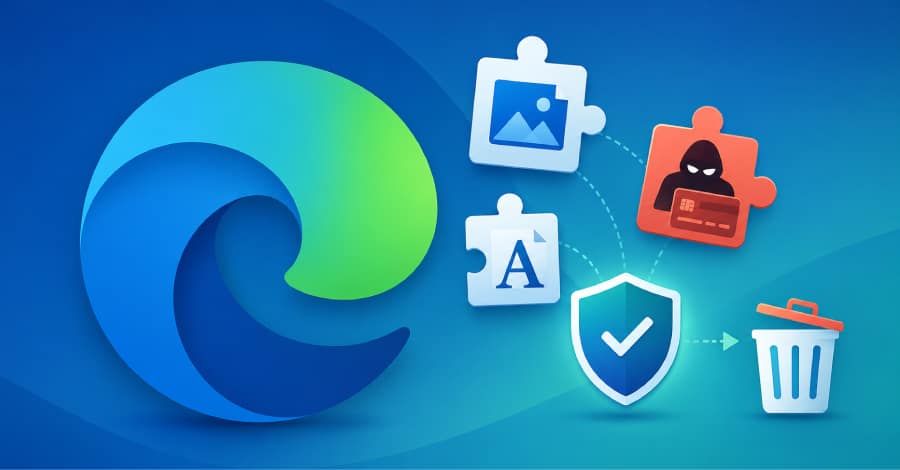
Microsoft has dismantled a sophisticated malware campaign that abused the Microsoft Edge Add-ons Store by distributing malicious browser extensions disguised as useful tools. The operation, known as StegoAd, used advanced steganography techniques to conceal malicious code inside seemingly harmless image and font files.
According to Microsoft, the campaign involved 119 browser extensions linked to a single threat actor that has reportedly been active since 2021. While the extensions accumulated up to 2.6 million installations, Microsoft clarified that this number represents total downloads rather than confirmed victims.
Popular Extensions Used to Spread Malware
The malicious extensions appeared to be legitimate applications that users commonly install, including:
- Ad blockers
- VPN services
- Video downloaders
- Language translators
These extensions functioned as advertised, helping them gain positive reviews and user trust. Instead of launching malware immediately, they remained inactive for several days after installation and performed multiple security checks to avoid detection.
Some versions even activated the malicious payload for only a small percentage of users, making the campaign much harder to identify.
Malware Hidden Inside Images and Font Files
One of the campaign’s most unusual techniques was its use of steganography, a method of hiding malicious code inside ordinary-looking files.
Early versions concealed JavaScript code within PNG images by placing it after the image’s normal end marker. Since the image displayed correctly, security scanners often failed to detect the hidden payload.
As security tools improved, the attackers evolved their techniques by embedding code inside:
- WebP image files
- WOFF2 font files
- Font metadata and character ranges
Some extensions didn’t even contain the malware directly. Instead, they downloaded an innocent-looking image from a remote server, decoded several layers of obfuscation, verified its authenticity, and then executed the hidden code.
To further avoid analysis, the command-and-control (C2) servers delivered the payload only to browsers that passed fingerprinting checks. Security researchers or suspicious requests typically received harmless decoy files instead.
The extensions also monitored whether browser developer tools were open. If debugging activity was detected, they delayed execution even longer to avoid exposing their behavior.
Beyond Ad Fraud: Credential Theft and Remote Access
Although many users noticed only intrusive advertisements or redirected searches, Microsoft’s investigation revealed that the malware was capable of much more serious attacks.
The hidden payloads could:
- Execute remote JavaScript commands
- Steal Google account credentials
- Capture two-factor authentication codes
- Harvest WordPress administrator usernames and passwords
- Extract browser cookies for session hijacking
- Redirect affiliate traffic on shopping websites such as Amazon, eBay, and AliExpress
Researchers also discovered that the attackers reportedly used multiple Google Analytics tracking IDs as a covert monitoring system, allowing them to track infected browsers using legitimate analytics infrastructure.
Highly Resilient Attack Infrastructure
Microsoft found that the campaign relied on a sophisticated backend infrastructure.
Key findings include:
- More than 10 command-and-control domains with automatic failover
- Cloudflare Workers used to proxy malicious traffic
- GitHub Pages abused to host communication beacons
- A polymorphic framework operating across approximately 66 extensions under numerous different names
- Migration from Manifest V2 to Manifest V3 to remain compatible with newer browser requirements
These techniques helped the campaign remain active while adapting to platform security updates.
What Edge Users Should Do Now
Microsoft has removed all 119 malicious extensions and suspended more than 90 developer accounts associated with the operation.
Users should immediately:
- Review installed Edge extensions.
- Remove any extensions identified in Microsoft’s technical report.
- Change passwords for Google, WordPress, banking, email, and other important accounts.
- Review recent account login activity for suspicious access.
- Enable strong multi-factor authentication, preferably using hardware security keys instead of SMS verification.
Microsoft also released indicators of compromise (IOCs) that can help organizations detect related activity across Edge, Chrome, Firefox, and other Chromium-based browsers.
Possible Links to Earlier Browser Extension Campaigns
Security researchers believe StegoAd may be connected to previous malicious browser extension campaigns.
Microsoft noted that the malware communicates with the domain mitarchive.info, which cybersecurity researchers at Koi Security previously associated with the DarkSpectre operation. The infrastructure also shares similarities with the earlier GhostPoster and ShadyPanda campaigns.
Investigators found overlapping extension names, including Ads Block Ultimate, along with nearly identical methods of hiding malicious code inside extension icons.
Although Microsoft has not officially attributed the campaign to a specific threat actor, the company believes the operators remain active.
Final Thoughts
The StegoAd campaign demonstrates how cybercriminals continue to evolve browser-based attacks by combining legitimate-looking extensions with advanced stealth techniques. Even trusted browser marketplaces can occasionally host malicious software that evades automated detection for extended periods.
Users should regularly audit installed browser extensions, remove those that are no longer needed, and enable strong authentication methods to reduce the impact of credential-stealing attacks.
